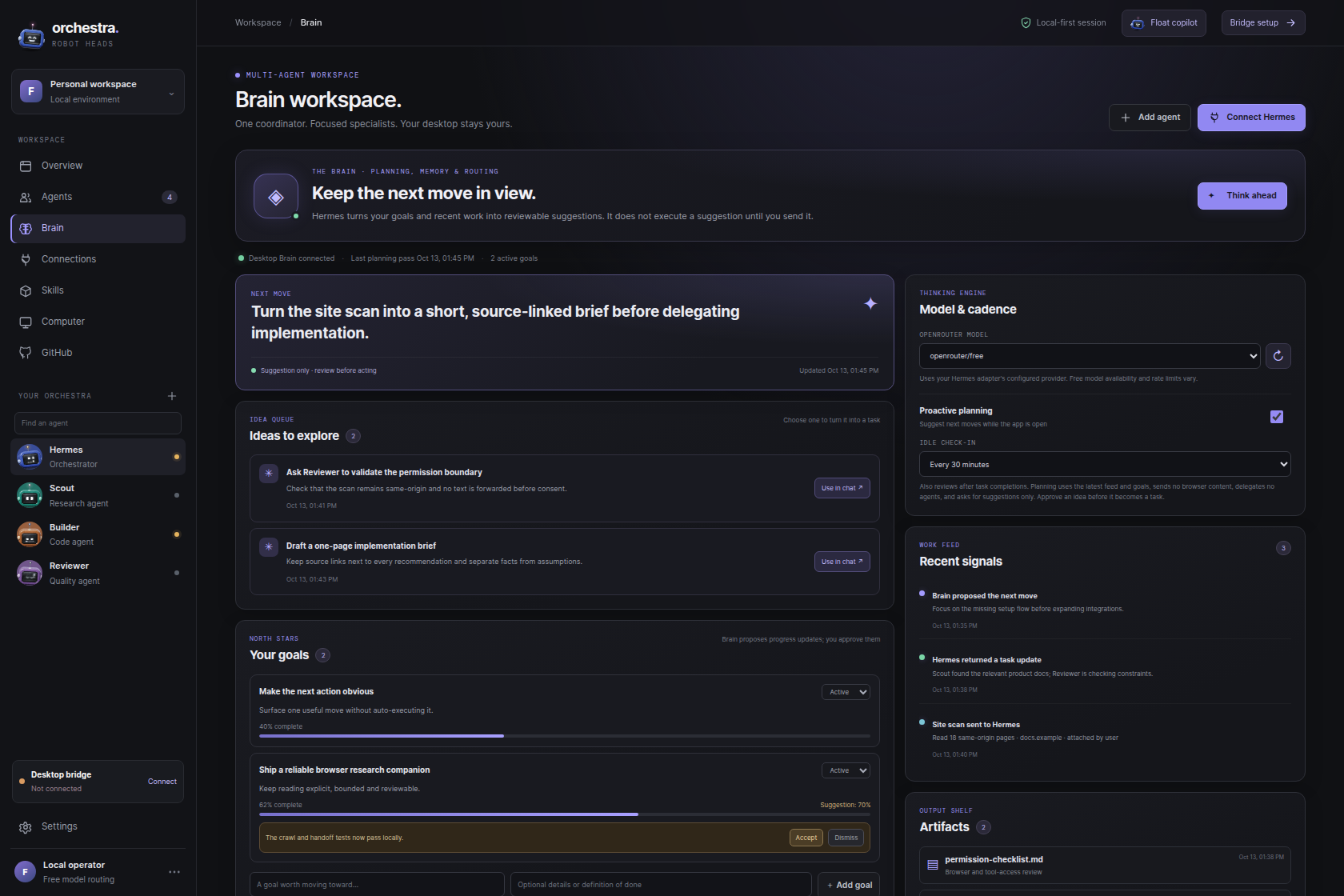
 BRAIN / SUGGESTIONS, NOT SILENT ACTIONS
01 / KEEP CONTEXT
A Brain that keeps the next move visible.
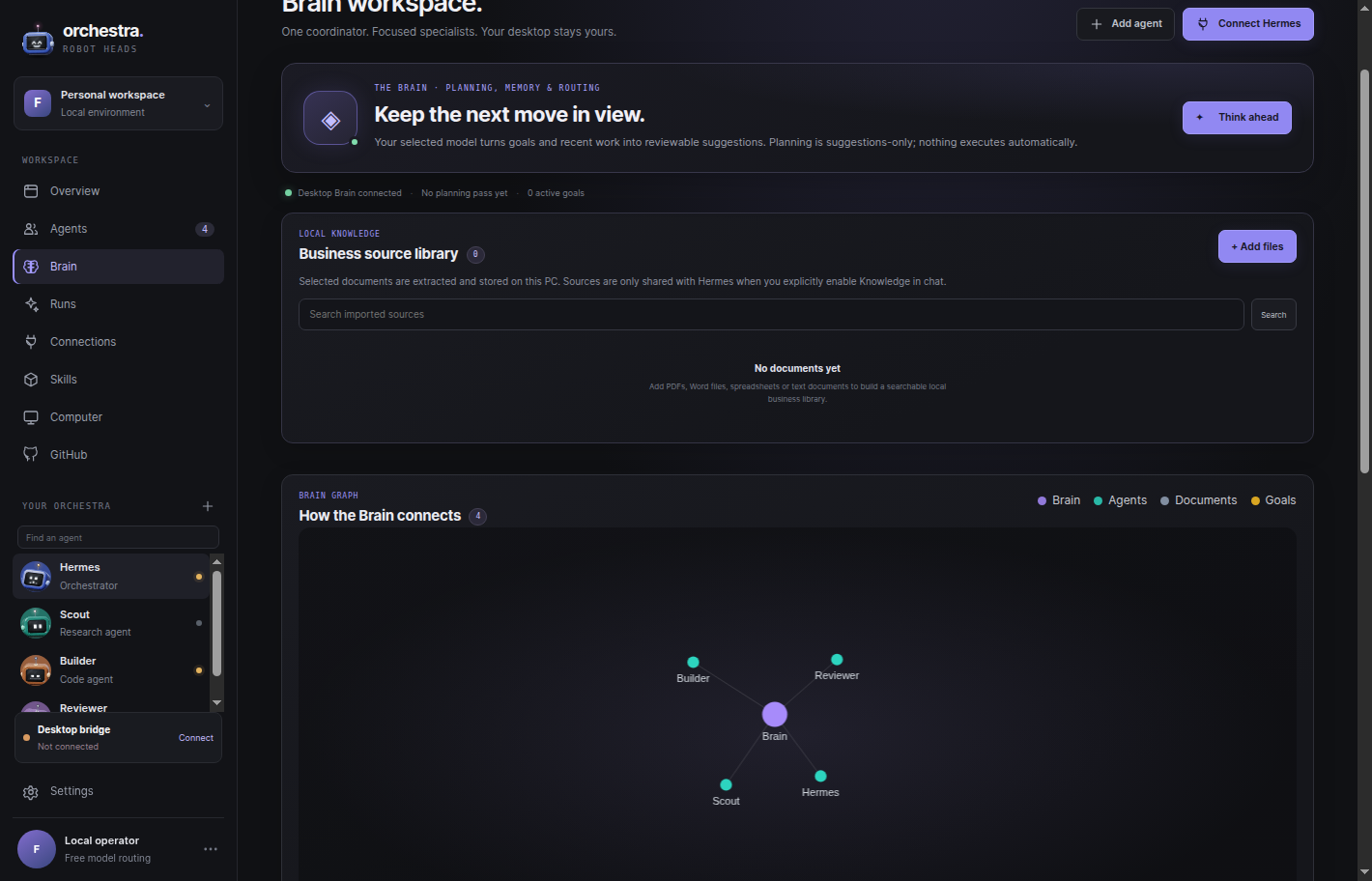
Keep goals, ideas, and recent work in one reviewable workspace. Suggestions stay suggestions until you choose what to do next.
Free, privacy-conscious research and drafting for Windows, orchestrated by a Coordinator that directs Scout, Builder and Reviewer. Use Ollama or OpenRouter directly; Hermes is optional for tool-enabled work. The app never downloads models or sends prompts automatically.
See all 0.7.2 downloadsOn desktop, the 0.7.2 checks for installed Ollama models at startup and selects an available model when auto-connect is on. You can switch the option off. It never installs a model or submits a prompt on its own. If no local model is installed, choose another direct provider such as OpenRouter; existing model choices are preserved when available. Hermes is not a fallback.
127.0.0.1:11434; this route bypasses the separate Hermes bridge.Use the official Windows installer, then leave Ollama running on this PC.
Install Ollama ↗Choose a model from the Ollama library. In PowerShell, use ollama pull <model-name> and wait for the download to finish.
With auto-connect enabled, the 0.7.2 checks for installed models on startup and selects one that is available. Turn the setting off whenever you prefer to choose manually.
ollama list; if the list is empty, choose a model from the Ollama library and install it.Research notes, drafts, and suggestions stay visible and reviewable. Start with local Ollama; choose the optional Hermes route only when you want delegation.
BRAIN / SUGGESTIONS, NOT SILENT ACTIONSKeep goals, ideas, and recent work in one reviewable workspace. Suggestions stay suggestions until you choose what to do next.
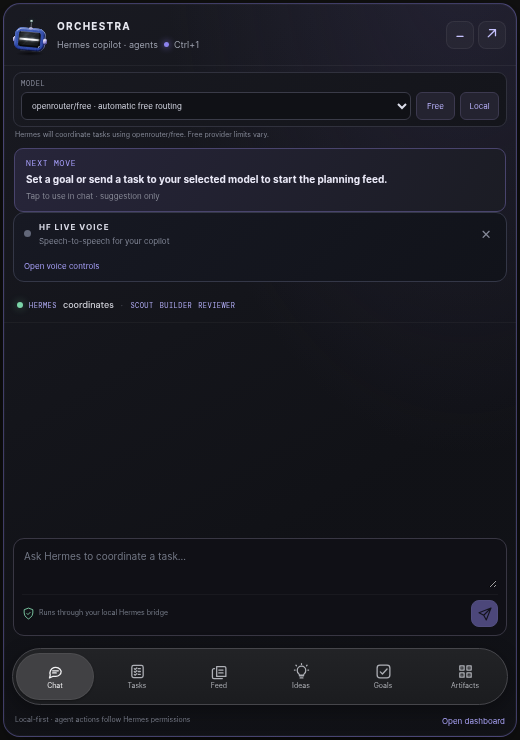
Open the draggable desktop head and compact chat when you need them. Keep it out of the way when you don’t.
Run inference through Ollama on your PC or OpenRouter directly with your configured key. Choose Hermes only when you explicitly need its optional tool-enabled route. These are separate routes.
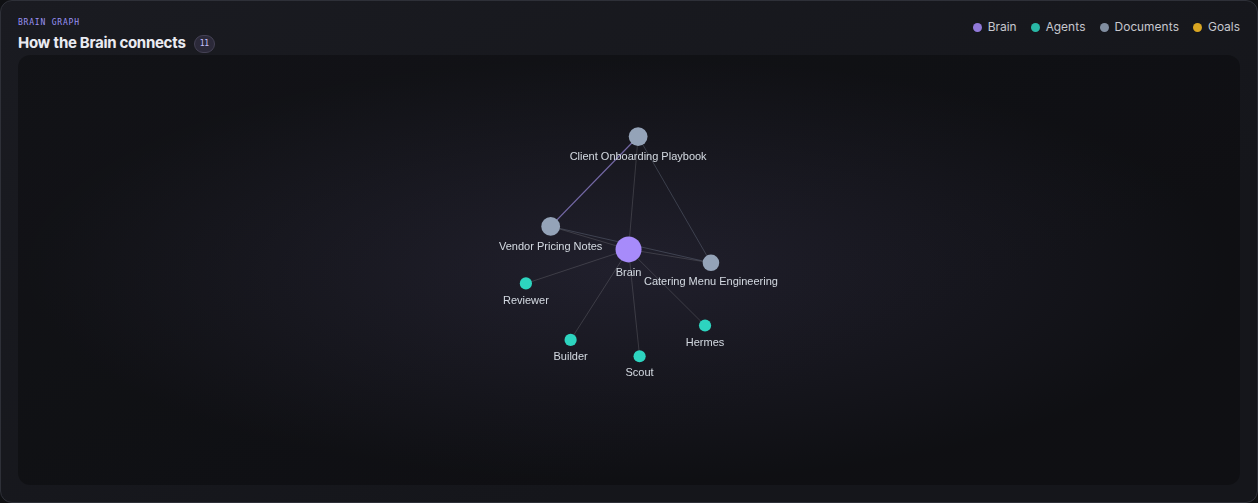
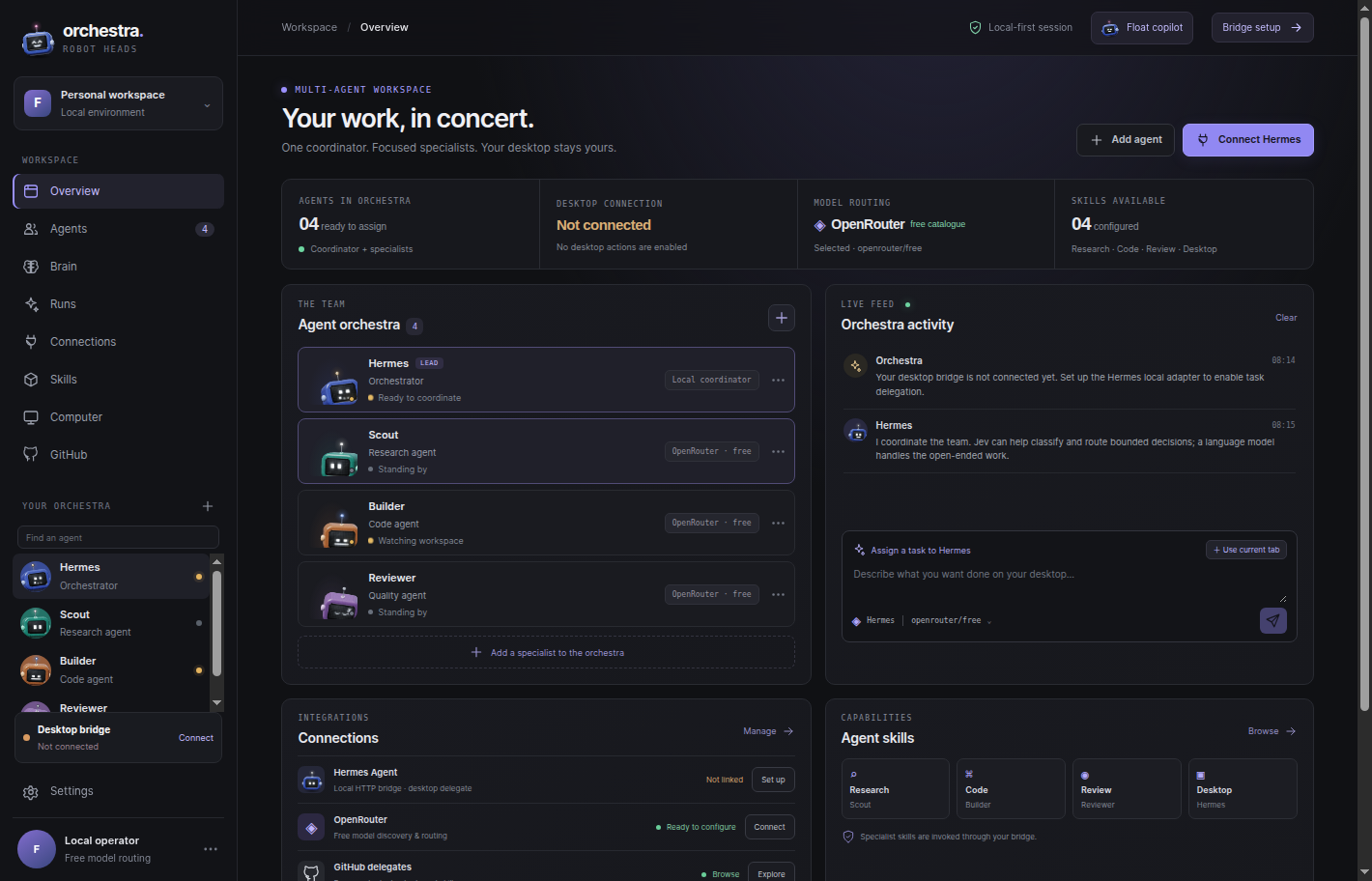
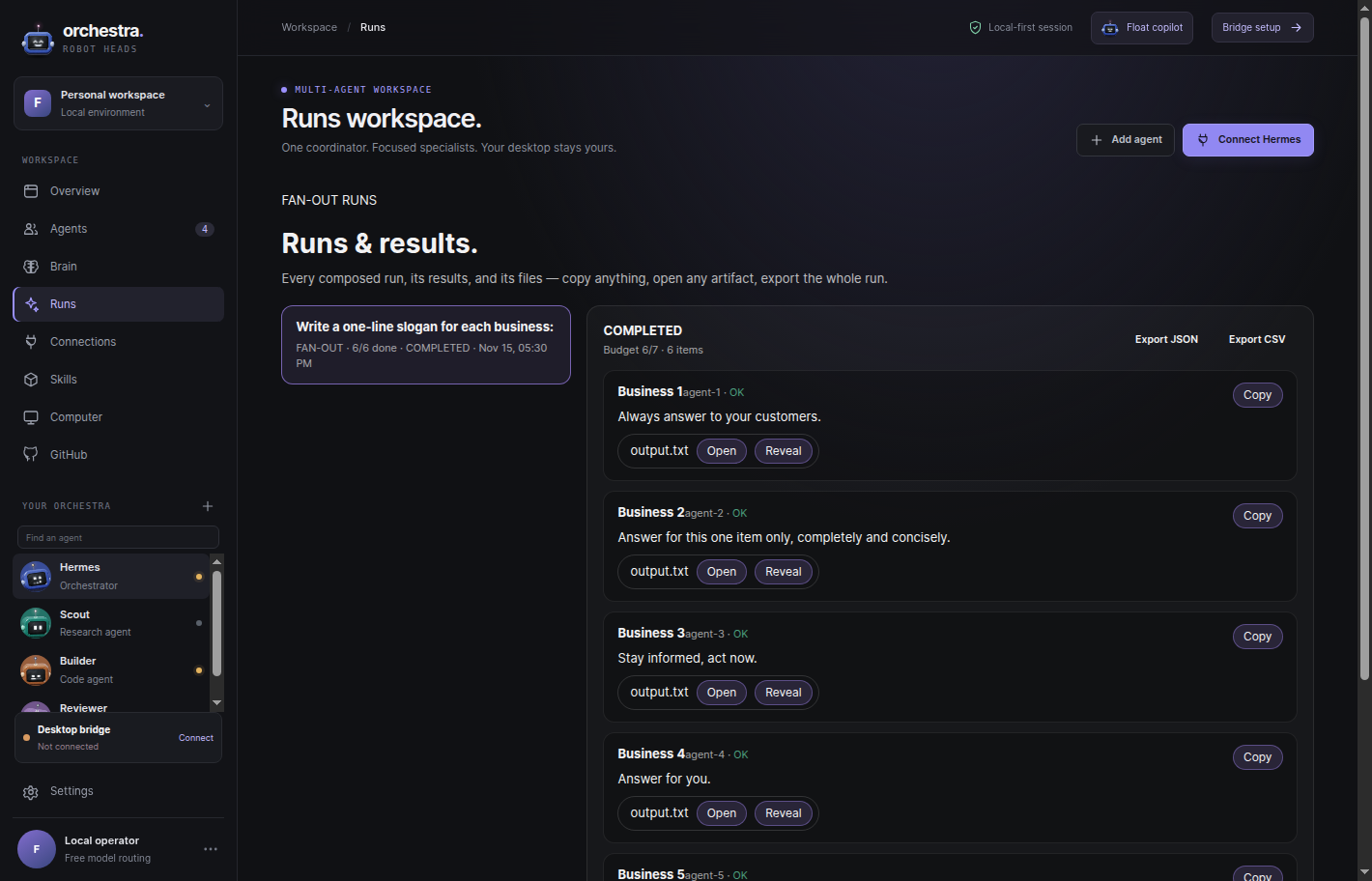
Authentic Robot Orchestra screens—not concept-only UI. New in 0.7.2: the approval pop-up — a plan big enough to need your go-ahead asks on screen, with its item count and call budget, and its Accept / Decline lands in Runs. New in 0.7.1: the Runs workspace, where every composed run shows its results and files, and the Brain Graph, a live map of how your Brain connects. Local inference is the recommended first route, with Hermes available when you choose delegation.
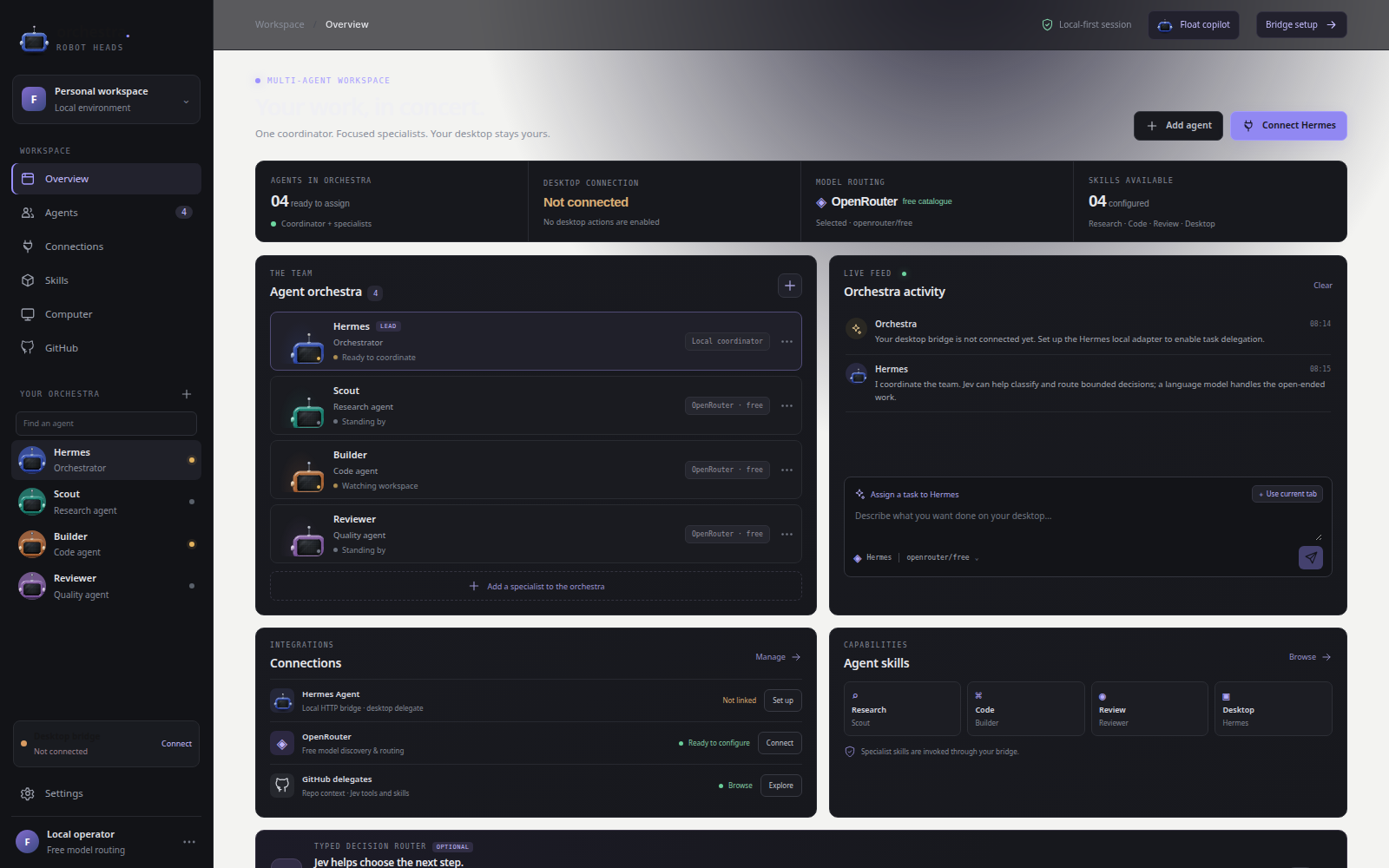
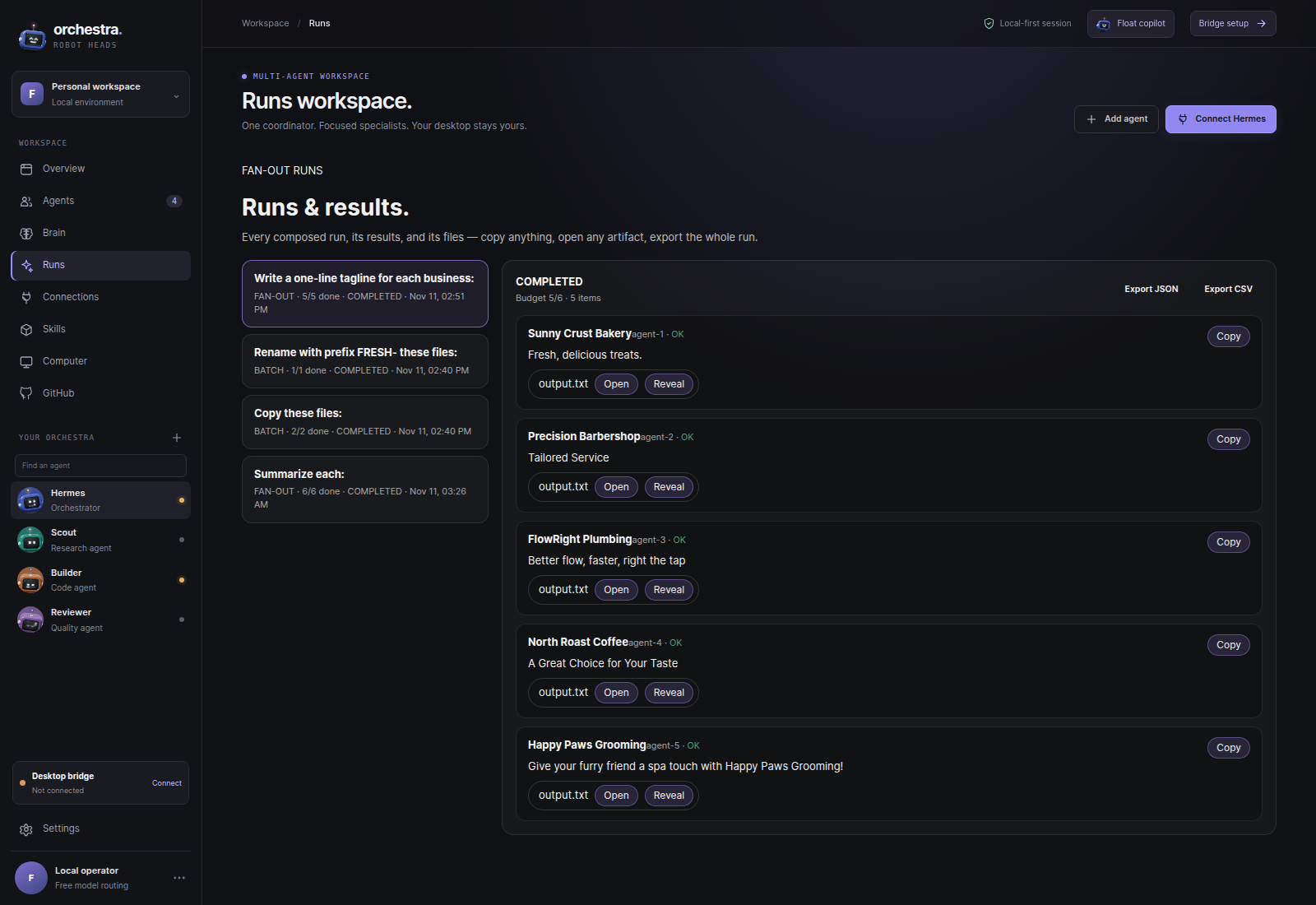
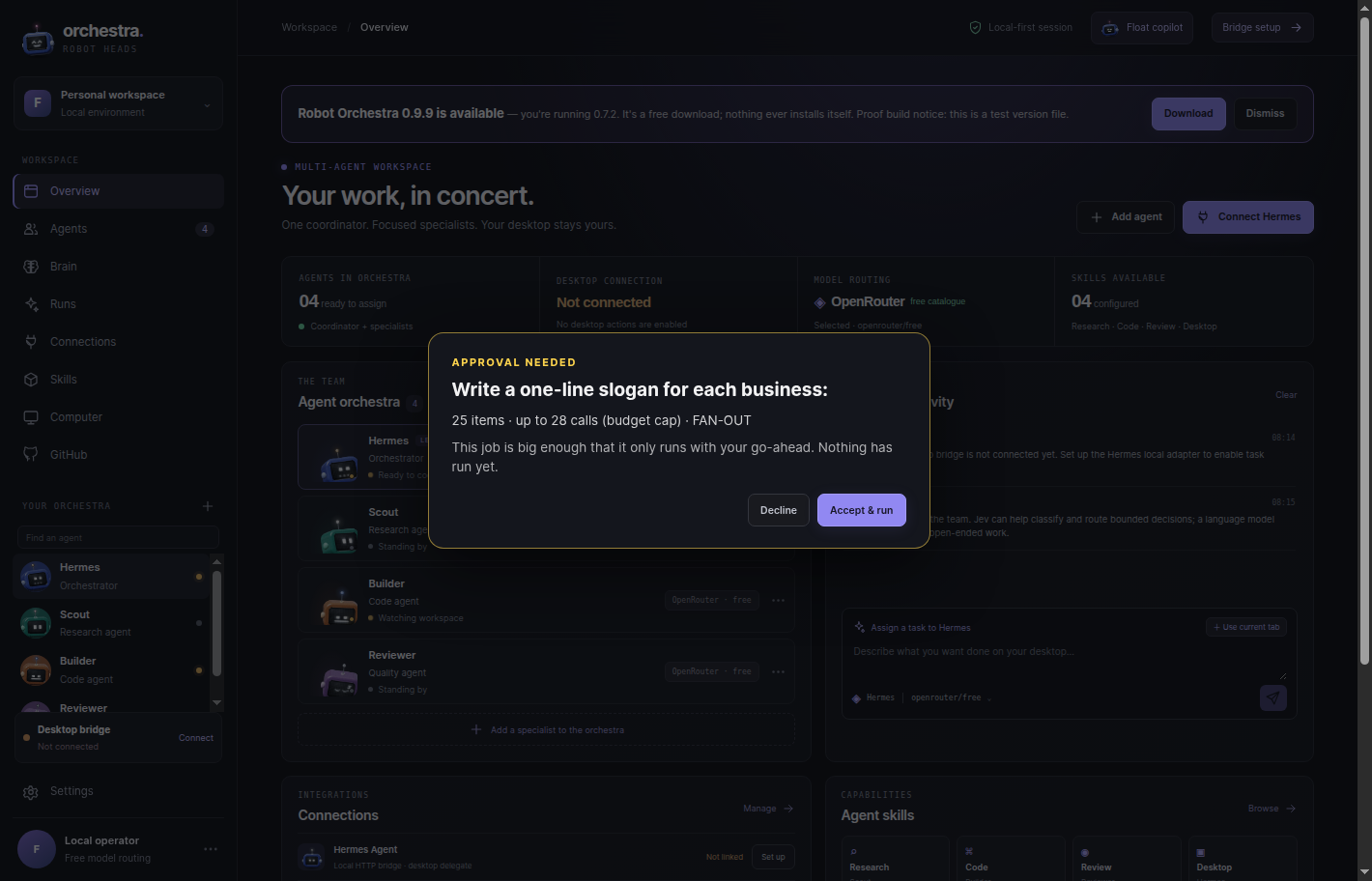
0.7.2 teaches the team to take big jobs — and to ask, visibly, before a big one runs. Composer routes one instruction into a single task, a parallel fan-out across agents, or a batch file job. The Run Board shows every run live — who is working, who is blocked, and what needs your call — with hard budget caps enforced in code, so a run pauses at its cap instead of overspending. Bring your own model key (Anthropic, OpenAI, OpenRouter, xAI, Groq, Mistral, DeepSeek, Together) or run fully local with Ollama. Choose x64 for Intel/AMD PCs or ARM64 for Windows on ARM. Setup is per-user and needs no administrator access. The browser extension is a separate ZIP. New in 0.7.2: a plan big enough to need approval now pops up on screen — the instruction, the item count, and the call budget — and nothing runs until you Accept; Decline, and the job is recorded as declined with zero items run. 0.7.2 also adds an in-app update notice, so the app itself tells you when a newer version is out — a notice only; it never downloads or installs anything by itself.
V2 is in development now. It turns the floating head into a conversational voice companion — talk to Roboto, he talks back, and you can hand him work by voice. Delegated agents work in pop-up sandbox environments you can watch live, and gated actions surface a visible approval pop-up, so nothing sensitive happens off-screen. Scout goes further: name the sites, and an agent reads them inside hard limits it shows you up front — same site only, page caps, robots rules honored — then brings back a table and a brief you can check against the source pages. Watchers re-check pages you pick on a schedule and tell you what changed; they run while the app is open, and say when they last checked. Packs turn any finished job into a client-ready pack — a summary document plus the results table, in Markdown and CSV, in one click. A Scores screen lets you save a job that worked and re-run it in one action, and Council Mode lets the agents deliberate a big call in the open, against a consensus bar, before anything moves. Underneath it all, an eval and tracing harness keeps every run measurable. The approval pop-up and the in-app update notice shipped sooner, in the free 0.7.2 patch. Mobile remains a planned direction only: Android for true floating-head support; iOS would use system surfaces such as Dynamic Island / Live Activities and wallpaper experiences, not a permanent overlay.
The current Windows desktop download is free. The V2 expansion will be $8.99 one time; it is not available yet and this page has no checkout.
This is a roadmap preview, not an offer to purchase. Features, timing and final terms may change before release.
Can’t find the answer? Ask the Robot Orchestra head in the corner, or email EDGE | AGENCY.
No. Auto mode uses direct Ollama or OpenRouter model routes; Hermes is a separate, optional mode for tool-enabled work. Install an Ollama model first if you want local inference. The app never downloads models or submits prompts automatically.
Robot Orchestra stores its Brain data on your PC, while each task uses the model route you choose. Ollama and OpenRouter are direct routes; Hermes is an explicitly selected optional bridge. Browser and Knowledge context are off until you opt in.
The Chrome/Edge companion supports user-triggered, bounded site scanning. Review the captured text first; page text is not sent to a model until you explicitly include it. The browser side panel is optional to the desktop download.
The 0.7.2 installers are unsigned, so SmartScreen may show a warning. Compare the architecture-specific SHA-256 on this page or in SHA256SUMS.txt. The extension ZIP is a separate download.
No. V2 is in development and is not a current offer; it will be $8.99 one time when it launches. The current Windows desktop app and 0.7.2 are free; this page has no checkout. Mobile directions remain planned only.